Appearance
Cubes
The smallest complete experience: ~50 drifting cubes, one command, one determinism test.
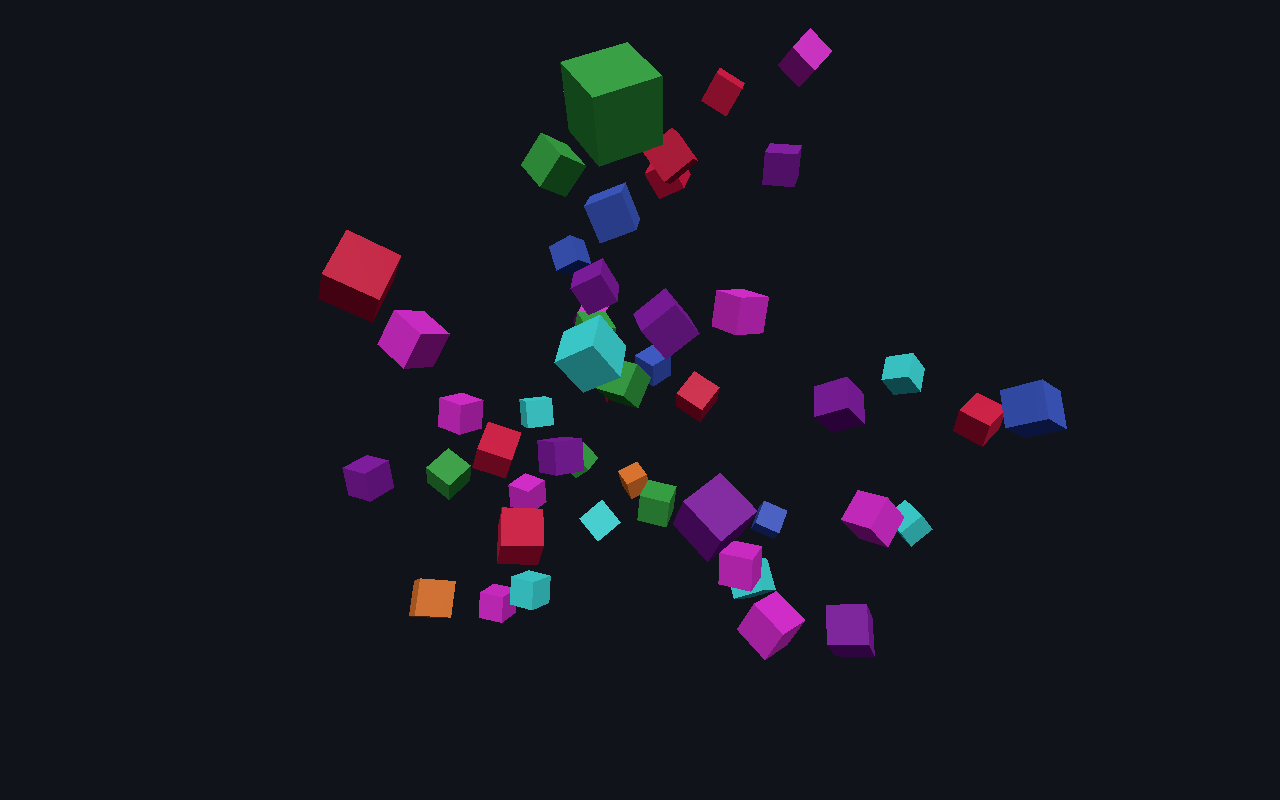
Start here. It is the whole architecture at minimum size — a scene manifest, a Worker running the kernel, the three.js client mounted on the page, and one spawn_cube command wired from a button. The headless test asserts that two runs from the same seed produce the same state hash, which is the guarantee everything else is built on.
Play it
Play Cubes in your browser. Nothing to install.
Make it yours
The sample ships inside @bendyline/molen-tooling as a template, locked to the engine version you install. Copy it into a standalone npm project (no clone of the engine repository needed):
sh
npx @bendyline/molen-tooling new my-cubes --template cubes
cd my-cubes
npm install
npm run dev
The copy keeps the sample's scene, scripts, commands, checks and headless tests; npm test runs them.
What it teaches
- Scene manifest
- Worker + client mount
- Commands
- Determinism test
The scene at a glance
Read straight out of the sample's scene.json:
| Format | molen/scene@3 |
| Tick rate | 30 Hz |
| Entities | 0 |
| Prefabs | 0 |
| Scene scripts | — |
| Commands | spawn_cube |
| Declares | camera, input |
Run it headlessly
Every sample is also a headless fixture, so no browser is needed. From your copy:
sh
npx molen validate scene.json
npx molen sim run scene.json --ticks 60 --hash
npx molen shot scene.json --ticks 60 --out cubes.png
Source
examples/cubes. A walkthrough README ships alongside it and in every copy.